
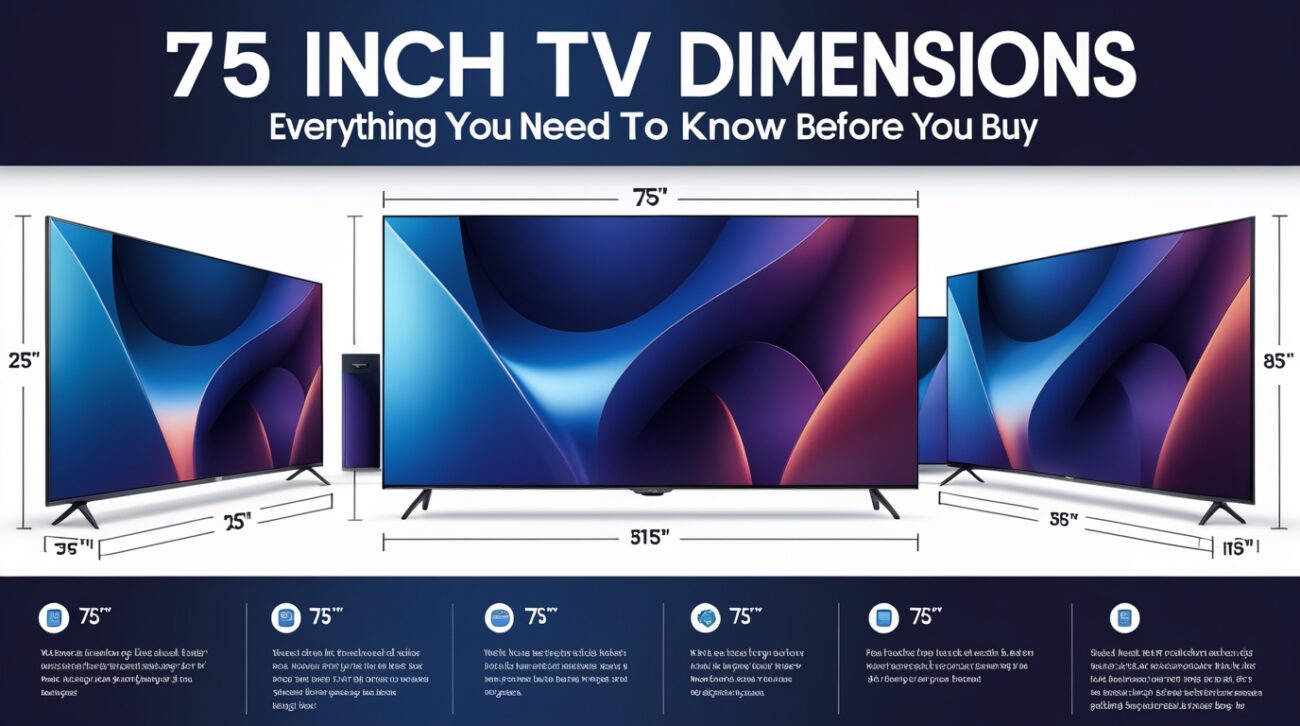
Quick Facts
| Measurement | Size |
| Screen width (diagonal to width) | ~65.4 inches / 166 cm |
| Screen height | ~36.8 inches / 93.5 cm |
| Screen area | ~2,406 square inches |
| Overall width with bezel (typical) | 65.5–67 inches / 166–170 cm |
| Overall height without stand (typical) | 37–39 inches / 94–99 cm |
| Overall height with stand (typical) | ~40–42 inches / 102–107 cm |
| Depth without stand | 2–3.5 inches / 5–9 cm |
| Depth with stand | 12–15 inches / 30–38 cm |
| Weight without stand (average) | 60–100 lbs / 27–45 kg |
| Aspect ratio | 16:9 |
| TV stand width recommended | 70 inches or wider |
| Minimum room size recommended | 12+ feet from screen |
| Ideal viewing distance (4K) | 9.4–12.5 feet / 2.9–3.8 m |
| Wall clearance needed | 2–4 inches on all sides for ventilation |
| VESA mount pattern (typical) | 400×400 mm to 600×400 mm |
The Number on the Box Isn’t What You Think It Is
You walk into the store. The tag says 75 inches. You picture a screen that’s 75 inches wide.
That’s not what’s happening.
The 75-inch measurement describes the diagonal distance across the screen — from one corner to the opposite corner. It doesn’t describe the width. It doesn’t describe the height. It tells you how big the visible picture is measured corner to corner.
This surprises a lot of people. And it explains why so many buyers get home, pull out the TV, and think “this looks smaller than I expected.” The width of a 75-inch TV is actually around 65 inches — which is about 5.4 feet wide. Not 75.
You can avoid the most common dissatisfaction when purchasing a TV by being aware of this from the beginning.
See also “4 Quarts to Cups: The Complete Conversion Guide You’ll Actually Use“
The Actual Width and Height You Should Be Planning For
Now that you know what 75 inches means, let’s talk about the numbers that actually matter when you’re planning where to put this thing.
A standard 75-inch television screen — the visible picture area itself — measures approximately 65.4 inches wide and 36.8 inches tall. In centimeters, that’s roughly 166 cm by 93.5 cm.
But the screen isn’t the whole TV. Add the bezel — the frame that surrounds the screen — and you add a little more. Most modern 75-inch TVs have thin bezels, typically 0.5 to 1 inch on each side. So the total physical width of the TV body ends up somewhere between 65.5 and 67 inches in most models.
The height without the stand is usually between 37 and 39 inches. With the stand, add another 3 to 4 inches — so you’re looking at roughly 40 to 42 inches tall when sitting on a surface.
Write those numbers down before you measure your wall or stand. They’re the ones that actually matter.
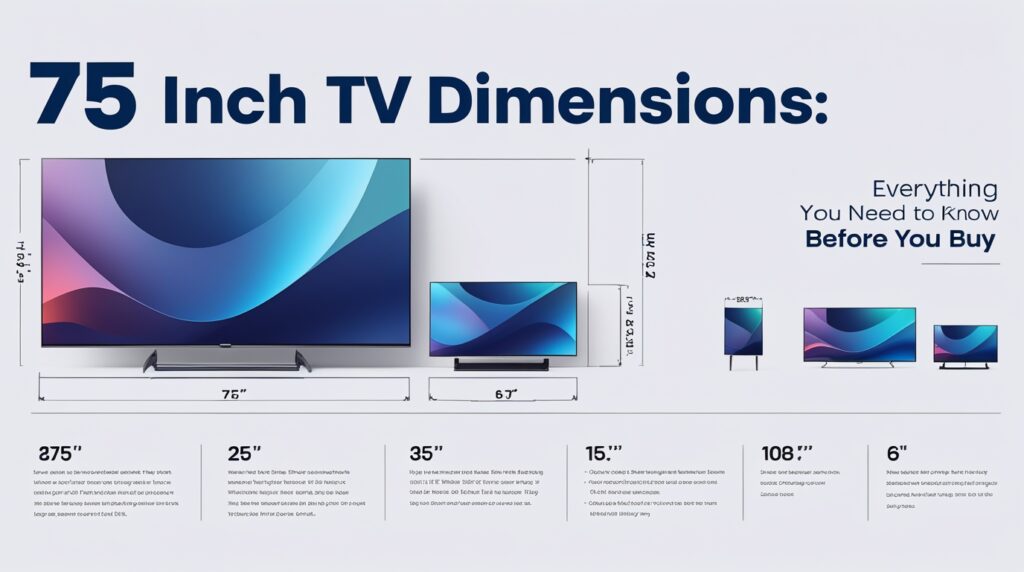
How Deep Is a 75-Inch TV?
This catches people off guard regularly. Everyone measures width and height. Almost nobody checks depth until it’s too late.
The panel itself — wall-to-screen depth — typically runs between 2 and 3.5 inches on modern LED and OLED televisions. Some ultra-thin models get as low as 1.7 inches. A few older or budget models push toward 4 inches.
The stand is a different story. When a 75-inch TV sits on legs or a pedestal stand, the total depth from the back of the stand to the screen often jumps to 12 to 15 inches. That’s because the stand feet extend backward beneath the TV to provide stability.
This matters enormously when choosing a TV stand or entertainment unit. If your furniture shelf is only 10 inches deep, that TV stand won’t sit flat. You need to either check that your furniture is deep enough, or wall-mount the TV to eliminate the stand depth issue entirely.
What Different 75-Inch Models Actually Measure
Not all 75-inch TVs have identical dimensions. Brands and models vary slightly based on bezel design, panel technology, and stand style. Here are approximate real-world measurements from popular brands:
Samsung 75-inch TVs (typical): Width around 65.9 inches, height without stand around 37.8 inches, depth without stand around 1.5 to 2.5 inches.
Sony 75-inch TVs (X950G as reference): Width 66 inches, height without stand 37.9 inches, depth without stand 2.9 inches. With a stand, height rises to approximately 40.8 inches.
LG 75-inch TVs (typical OLED): Width approximately 65.6 to 66.2 inches, height without stand around 37.5 to 38.5 inches, depth without stand 1.7 to 2.4 inches.
TCL 75-inch TVs: Often slightly more budget-friendly in profile. Width approximately 65.5 to 66.5 inches, height without stand around 37.7 to 38.5 inches.
The difference between models is usually just 0.5 to 1 inch in any direction. But even that matters when you’re fitting a TV into a specific entertainment center cutout or a wall alcove with limited clearance.
Always — always — look up the exact dimensions for the specific model you’re buying before ordering a mount or stand.
Weight: The Number That Determines What Can Hold This TV
A 75-inch TV is not light. That’s important to understand before you plan the installation.
Most 75-inch TVs weigh between 60 and 100 pounds without the stand. The average is around 70 pounds. OLED models can sometimes be lighter. Older LED models with thicker housings tend to be heavier.
The stand itself adds a few more pounds. So once you’re moving this TV around or lifting it into place, you’re often dealing with 75 to 105 pounds total.
Wall mounts must be rated to handle the TV’s specific weight. Most modern fixed-position mounts are rated to 100 or 125 pounds — enough for any 75-inch model. Articulating mounts (the kind that swing out from the wall) need to be verified carefully. A mount rated for 50 pounds is not adequate for a 90-pound TV, no matter how well it looks on the wall.
TV stands and entertainment units must also be weight-appropriate. Check the maximum weight rating on your furniture before setting a 75-inch TV down on it.
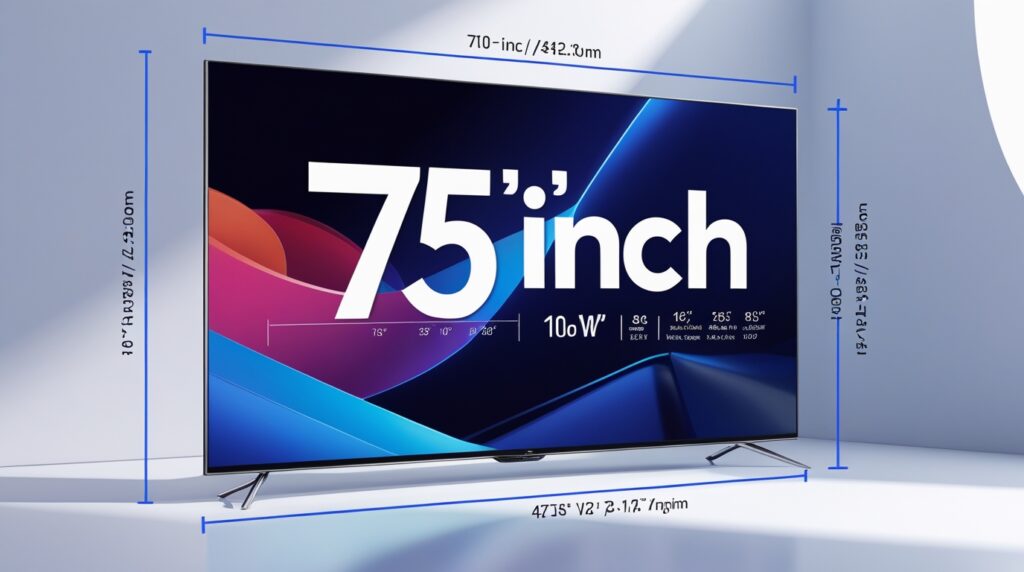
How Wide Does Your TV Stand Need to Be?
One of the most important questions that people often overlook is this one.
The general rule: your TV stand should be at least as wide as the TV’s total width — and preferably 4 to 6 inches wider on each side for visual balance and safety margin.
For a 75-inch TV with a total physical width around 65.5 to 67 inches, you want a stand that’s at least 70 inches wide. A 72-inch or 74-inch console looks proportional and gives the TV enough lateral support.
The stand also needs legs or feet wide enough apart to support the TV base. Some 75-inch TVs come with wide-spread feet that require a surface at least 55 inches wide. Others use a central pedestal that takes up only about 25 inches of stand width. Check the stand foot spacing on your specific model before buying furniture.
Ideal Viewing Distance for a 75-Inch TV
You’ve measured your room. Now comes the question people often decide emotionally rather than practically: is the room actually big enough?
Here’s the honest answer broken down by resolution.
For a 4K Ultra HD 75-inch TV — which is what almost every 75-inch TV sold today is — the optimal viewing distance is between 9.4 and 12.5 feet. Sitting around 10 feet away gives you a truly cinematic, immersive experience without the image feeling overwhelming.
For an 8K 75-inch TV, you can sit even closer — as near as 7 to 8 feet — because the pixel density is high enough that image quality holds even at close range.
For 1080p Full HD (increasingly rare at 75 inches), you’d want to sit slightly farther back — around 10 to 15 feet.
A living room or den where the main seating is 10 to 13 feet from the wall is the sweet spot for a 75-inch 4K TV. If your couch is only 7 feet from the wall, a 65-inch TV might actually feel more comfortable. If it’s 15 feet or more, you might want to consider going up to 85 inches.
Eye Level Mounting Height: Where to Actually Put This on the Wall
Where you mount the TV matters as much as what you mount it on.
When seated, the center of the screen should be about eye level. For most adults sitting on a standard sofa, that eye level is around 42 to 44 inches from the floor.
A 75-inch TV without a stand is approximately 37 to 39 inches tall. Half of that — the center point — sits around 18 to 19 inches up from the bottom edge. So to put the center at eye level (44 inches from the floor), you’d mount the bottom of the TV at roughly 24 to 26 inches off the floor.
Many people mount TVs too high. Looking upward at a screen for two to three hours causes neck strain and general fatigue. Resist the instinct to mount at eye level standing up. Mount for eye level sitting down.
Wall Mounting: VESA Patterns and What They Mean
If you’re wall mounting, you’ll encounter the term VESA pattern.
VESA stands for Video Electronics Standards Association. The VESA pattern tells you how far apart the bolt holes on the back of the TV are — measured in millimeters — and whether a particular wall mount bracket will fit your specific TV.
Most 75-inch TVs use a VESA pattern of 400×400 mm, 600×400 mm, or 400×200 mm. Bigger, heavier models occasionally use 600×400 mm or even larger.
Check the VESA pattern before buying a mount. A mount designed for 400×400 won’t attach to a TV with a 600×400 pattern. This is one of the most common mounting mistakes and it’s completely avoidable with a quick look at the TV’s spec sheet.
Room Size Requirements and Layout Considerations
A 75-inch TV is physically large. Let’s talk about what kind of room it needs.
The TV itself is about 5.5 feet wide. You need wall space that can accommodate that width plus a few inches on each side for visual breathing room and ventilation — so plan on needing around 6 to 7 feet of clear wall width.
The viewing distance requirements add more complexity. If you need 10 to 12 feet of distance between the screen and the main seating, your room needs at least 14 to 16 feet of total depth to leave room for the TV’s minimal footprint plus the seating arrangement.
In practical terms, this means a 75-inch TV works beautifully in:
- A living room with seating 10 to 14 feet from the wall
- A dedicated home theater space with controlled seating distance
- A large bedroom where the bed is at least 9 feet from the TV wall
A small studio apartment with a couch 6 feet from the wall is not the ideal environment for a 75-inch TV. Physically it fits. But the viewing geometry will make it feel overwhelming and uncomfortable.
Box Size: The Thing Nobody Thinks About Until Delivery Day
The box this TV comes in is significantly larger than the TV itself.
A 75-inch TV typically ships in a box approximately 72 to 76 inches wide, 45 to 48 inches tall, and 6 to 8 inches deep. The entire package weighs 80 to 120 pounds with packaging.
Consider how you will get something from the front door to the appropriate room. Narrow hallways, tight staircases, and low doorframes are real obstacles for a box this size. Measure your path before delivery arrives, not after.
Two people should always move and unbox a 75-inch TV. One person can carry the weight, technically. But the awkward dimensions make dropping it a real risk when you’re maneuvering around corners alone.
Comparing 75 Inches to Nearby Sizes
Sometimes the best way to understand what you’re getting is to see what you’re choosing between.
65 inches vs. 75 inches: A 65-inch TV is approximately 56.7 inches wide and 31.9 inches tall. The 75-inch is about 9 inches wider and 5 inches taller. That’s a noticeable jump in presence — not subtle. The screen area increases by roughly 32% going from 65 to 75 inches.
75 inches vs. 85 inches: An 85-inch TV runs about 74 inches wide and 41.6 inches tall. Moving from 75 to 85 adds another 9 inches of width and increases screen area by about 28%. The 85-inch requires substantially more room depth to be comfortable.
75 inches vs. 77 inches (OLED): This difference is barely perceptible. The 77-inch — popular in OLED formats from LG and Sony — is only about 1.5 inches wider. Most people sitting 10 feet away cannot tell the difference by eye.
Final Words
A 75-inch TV is a significant purchase — not just financially but physically. It’s going to take up real wall space, require real viewing distance, and need real support from whatever holds it up.
The key numbers to carry with you:
About 65 to 67 inches wide. About 37 to 39 inches tall without a stand. About 2 to 3.5 inches deep without a stand. Roughly 70 pounds on average. A TV stand at least 70 inches wide. A viewing distance of 9 to 12 feet for most people.
Know these numbers before you order. Measure your room before you commit. And check the exact spec sheet for your specific model before buying a mount or stand — because “approximately” is fine for planning, but the real numbers are what you need for installation.
Get those details right and you’ll be sitting in front of one of the most satisfying viewing experiences a home can deliver.
FAQs
Q1: How wide is a 75-inch TV in inches?
The screen itself is approximately 65.4 inches wide. With the bezel and outer casing, most 75-inch TVs measure between 65.5 and 67 inches total width. This varies slightly by brand and model.
Q2: How tall is a 75-inch TV without a stand?
Without a stand, most 75-inch TVs measure between 37 and 39 inches tall. The height rises to about 40 to 42 inches with a stand, an increase of about 3 to 4 inches.
Q3: How deep is a 75-inch TV?
The panel depth without a stand is typically 2 to 3.5 inches. With the stand attached, the total depth grows to 12 to 15 inches because the stand feet extend backward.
Q4: How much does a 75-inch TV weigh?
Most 75-inch TVs weigh between 60 and 100 pounds without the stand. The average is around 70 pounds. OLED models tend to be lighter; some older or budget models are heavier.
Q5: For a 75-inch TV, what size TV stand is required?
Your TV stand should be at least 70 inches wide, preferably wider. This gives proper lateral support and visual balance for the TV’s 65 to 67-inch total body width.
Q6: How far should I sit from a 75-inch TV?
For a 4K TV — which covers virtually all current 75-inch models — the ideal viewing distance is 9.4 to 12.5 feet. About 10 feet is considered the sweet spot for an immersive but comfortable experience.
Q7: What VESA mount pattern fits a 75-inch TV?
Most 75-inch TVs use a VESA pattern of 400×400 mm or 600×400 mm. Always check the spec sheet of your specific model before purchasing a wall mount.
Q8: Do all 75-inch TVs have the same dimensions?
No. The screen diagonal is the same — 75 inches — but the total width, height, depth, and weight vary by brand and model based on bezel thickness, panel technology, and stand design.
Q9: How is a 75-inch TV measured?
The 75-inch figure is the diagonal distance across the visible screen from corner to corner. It does not represent the width or height of the TV.
Q10: Is a 75-inch TV too big for a small living room?
It depends on viewing distance. If your main seating is closer than 9 feet from the screen, a 75-inch TV can feel overwhelming. The minimum comfortable distance for a 75-inch 4K TV is roughly 9 to 10 feet.
Q11: How much wall space does a 75-inch TV need?
Plan for at least 70 to 72 inches of horizontal wall space to accommodate the TV body. Add a few inches on each side for ventilation and visual comfort, meaning roughly 6 to 7 feet of clear wall is ideal.
Q12: What height should I mount a 75-inch TV on the wall?
Mount the TV so the center of the screen is at eye level when seated — around 42 to 44 inches from the floor for most people on a standard sofa. This puts the bottom of the TV at roughly 24 to 26 inches off the floor.
Q13: How big is the box a 75-inch TV ships in?
Shipping boxes for 75-inch TVs are typically 72 to 76 inches wide, 45 to 48 inches tall, and 6 to 8 inches deep. The total weight including packaging runs from 80 to 120 pounds. Plan your delivery route carefully before the TV arrives.
Keep creating, innovating, and inspiring with Content Ideators every day.
